What is an ERP and how to choose one: a practical guide
If every area of your company has its own version of the numbers, the question is probably not which system to buy, but what an ERP is and whether you really need one.
Picture a company where information is scattered. Finance keeps its numbers in one system, purchasing in another, inventory in a spreadsheet and production in a fourth tool. Every area has its own version of the truth, and pulling the numbers together for a decision takes days.
An ERP is one possible answer to that problem, and it can be an expensive technology decision that is hard to reverse. This guide explains what an ERP is, what it is for, which modules it includes and how to choose the right one without getting it wrong.
What is an ERP?
ERP stands for Enterprise Resource Planning. It is a system that brings a company's core processes —finance, purchasing, inventory, sales, production, logistics and human resources— into a single platform built on a shared database.
The key word is integrates. An ERP is not a set of separate programs: when one area records a transaction, the others see it immediately. When sales confirms an order, inventory deducts the material, purchasing knows what to reorder and finance records the revenue, without anyone re-entering anything.
What is an ERP for?
An ERP lets the whole organization work with the same information and the same processes. In practice that means four benefits.
The first is a single version of the data. The arguments about which figure is right end, because every figure comes from the same source.
The second is less manual work and fewer data-entry errors. Processes that used to require copying data between spreadsheets become automatic.
The third is visibility for decisions. Leadership can see inventory, cash flow, costs and order fulfillment almost in real time, instead of waiting for the month-end close.
The fourth is control: role-based permissions, a trail for every transaction and support for accounting, tax and audit obligations.
Which modules does an ERP include?
An ERP usually includes finance and accounting, purchasing, inventory and logistics, sales and invoicing, production and, in some cases, human resources and payroll. Each vendor groups them differently; these are some of the modules.
Finance and accounting: general ledger, accounts payable and receivable, treasury, fixed assets and closings.
Purchasing and suppliers: requisitions, purchase orders, receiving and supplier evaluation.
Inventory and logistics: stock, warehouses, movements and traceability.
Sales and invoicing: quotes, orders, invoicing and receivables.
Production: material planning, manufacturing orders and costing, in industrial companies.
Human resources and payroll, which many companies prefer to handle with a specialized system connected to the ERP.
An ERP doesn't have to cover every module with the same depth. A company can use the ERP for its financial and operational core and connect it to specialized systems for CRM, people management or asset maintenance.
ERP, CRM and spreadsheets: what is the difference?
A CRM manages customer relationships and the sales process: contacts, opportunities and sales follow-up. An ERP manages the company's operations and finances. They complement each other and should be connected, but one does not replace the other.
Spreadsheets work while the company is small. They stop working when several people need to edit the same data, when errors start costing money or when nobody trusts the numbers. That can be a sign that it is time for an ERP.
Signs that your company needs an ERP
There is no rule by size; these are signs we look for:
The accounting close takes many days because information from several systems has to be consolidated.
Inventory in the system does not match the physical count.
Every area keeps its own spreadsheets and nobody fully trusts the others'.
Growing means hiring more people just to key in and reconcile data.
Leadership makes decisions with data that is weeks old.
There are audit or regulatory obligations the current system cannot support.
Cloud ERP or installed on your own servers
A cloud ERP is hosted and maintained by the vendor, paid by subscription and updated automatically. It is faster to launch and needs less infrastructure of your own. An ERP installed on your own servers (on-premise) gives more control over data and customization, but requires infrastructure, a technical team and planned upgrades.
There is no single right answer. It depends on sector regulation, internal technical capacity, how much customization your processes need and the total cost over several years, not just the first one.
Choosing an ERP?
We evaluate and compare ERPs independently, with criteria defined before looking at vendors and with no vendor commissions.
- Functional, technical, economic and sustainability criteria
- Support through contracting
How to choose an ERP: seven criteria
One risk is choosing by the flashiest demo. A good selection process starts from the business requirements, not from the vendor's catalog. These are seven criteria worth evaluating. If you already have candidates, see our comparison of the best ERP for midsize companies and how much it costs to implement an ERP. If your bottleneck is the warehouse, also see what a WMS is and when you need one. Before comparing vendors, check whether your company is ready with the ERP readiness test.
Functional fit: how much of your real processes it covers without customization and how much requires development.
Technical fit: architecture, security, integration with the systems you already have and ability to grow.
Total cost of ownership: licenses or subscription, implementation, customization, infrastructure, support, training and upgrades, projected over several years.
Vendor sustainability: track record, product roadmap and the network of implementers available in your country.
Implementation capability: who will implement it, with what methodology and with what experience in companies like yours.
Ease of adoption: how simple it is for users and how much training it requires.
Local coverage: tax, accounting and legal requirements in the countries where you operate, including electronic invoicing.
The selection process, step by step
Every company adapts it, but an orderly process can follow these steps: define the problem and the business goals; gather and prioritize requirements with the areas; build a list of market options; send a request for proposal (RFP) with the same criteria to every vendor; evaluate proposals and demos with a weighted matrix; check references; and negotiate and contract.
As a reference, in our methodology the selection phase usually takes 6 to 12 weeks, from the strategic kickoff to support through contracting.
Choosing an ERP is not choosing software. It is choosing how your company will work for the next several years.
What does the cost of an ERP depend on?
There is no single price, because cost depends on factors that vary widely from one company to another: the number of users, the modules contracted, the model (subscription or license), the amount of customization, the complexity of the data migration, the integrations with other systems and the training.
A useful warning: beyond the license you must budget for implementation, migration and adoption, which is why it is worth comparing total cost and not just list price.
What puts an ERP implementation at risk
Risks worth managing: choosing without clear requirements, not budgeting for data migration, customizing too much, not having a project owner with authority and not working on people's adoption. Prosci's research shows that 88% of projects with excellent change management met their objectives, versus 13% of those with poor change management (about seven times more likely).
That is why an implementation needs project management with real responsibility for the outcome and change management from day one. We have written before about when to hire an external PMO and about why digital transformation projects fail.
Risks when choosing an ERP
Starting with the vendor instead of the problem.
Comparing only the license price and not the total cost.
Letting only the technology area decide, without the areas that will use the system.
Accepting that the selection is made by whoever will also sell the implementation.
Expecting the ERP to replicate today's processes exactly, including the ones that should be fixed.
Choosing well is half the road
We manage the implementation as an external PMO and work on adoption from day one, so the system gets used and not just installed.
- Project management with real responsibility for the outcome
- Change management built in from the start
How we can help
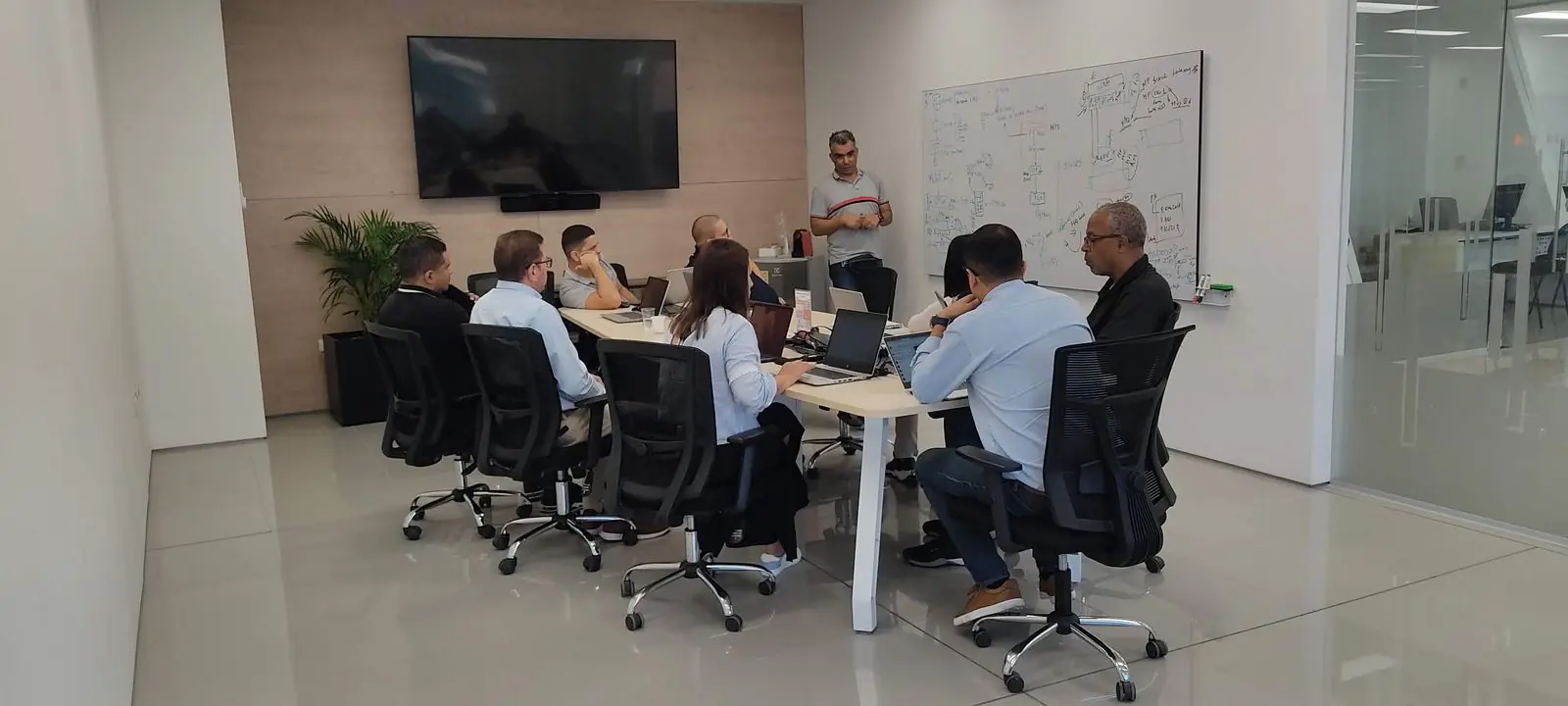
At Cyrrus we also do this. We provide independent ERP selection: we help you define requirements, evaluate and compare the options on the market and support the contracting. We have no commercial alliances or commissions with vendors, so the recommendation is based only on what your company needs.
After the selection, we can also manage the implementation as an external PMO and work on your team's adoption, so the system gets used and not just installed.
If you are evaluating an ERP, or have already started the process and have doubts, contact us: use the contact button below and schedule a conversation with our team. We will help you make the decision with clear criteria.

30 years in strategy and IT: Oracle consultant, IT leader at PepsiCo Latin America, Covidien and Coremar, and founder of Cyrrus in 2017. MBA, Universidad del Norte.
About the authorReady to connect the decision to the execution?
Tell us your organization's challenge. We'll set up a conversation with the right team and tell you straight whether we can help.
Not sure where to start? Request a free diagnostic session